
Solution Guides
Browse all focused solution guides for legal case management, legal AI, contract management, compliance, online eSigning, and digital signature workflows.
View guideExecute documents end-to-end with eStamping, multi-mode eSignatures, location and division based signing, and secure audit trails.
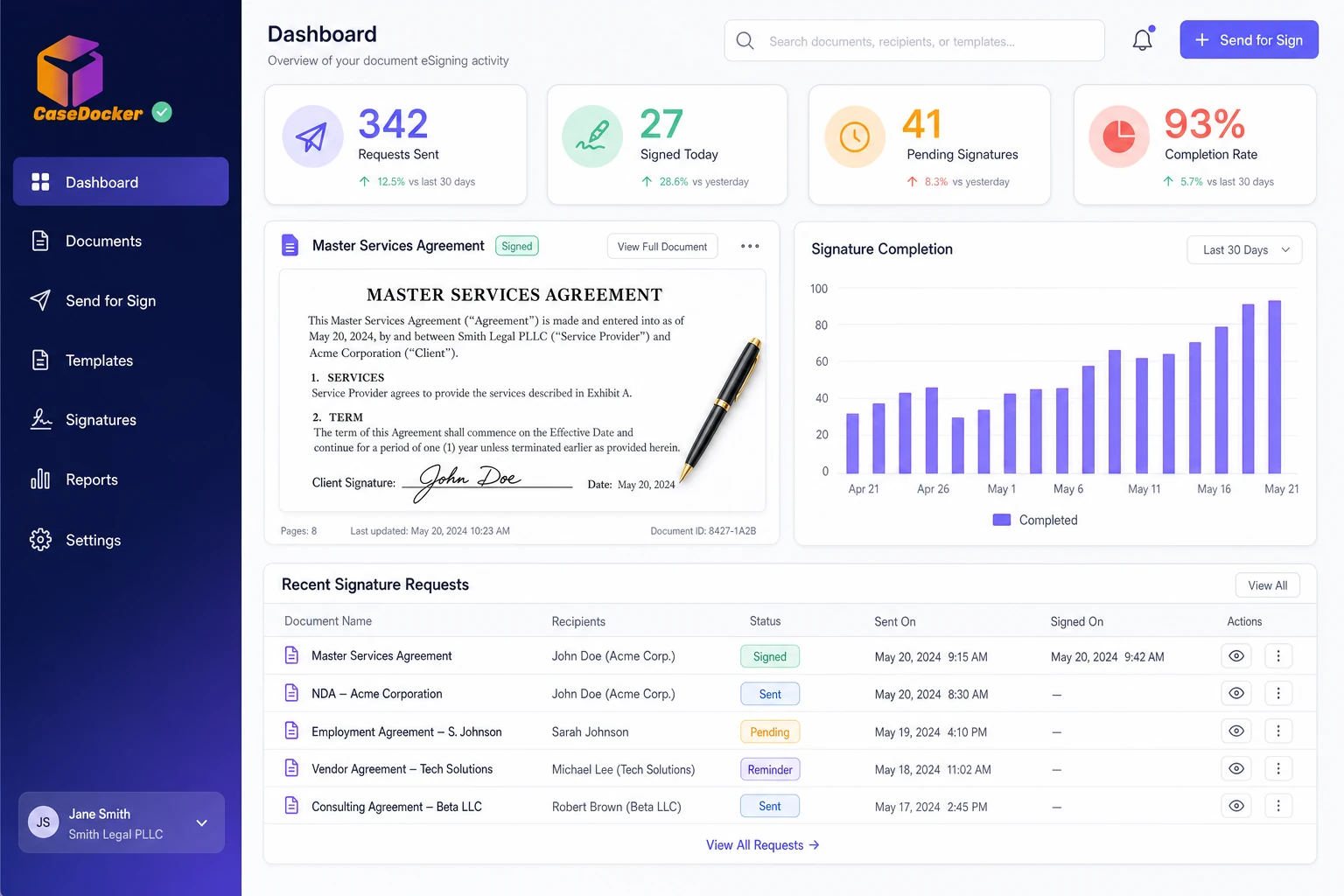
Move from manual, paper-heavy signing to fast, secure, and compliant digital execution.
In focus
Draft, stamp, sign, and archive documents in one streamlined flow.
Start in the signer workspace, create a new document, capture the core details, and move through signer and execution settings without leaving CaseDocker.
Deliver faster turnaround, stronger compliance, and a seamless signer experience.
The signing workspace keeps document review, signing method, participant status, and execution controls in one guided view.
Read focused guides on what to evaluate, how teams use the software, and how CaseDocker fits common legal operations workflows.
Browse all focused solution guides for legal case management, legal AI, contract management, compliance, online eSigning, and digital signature workflows.
View guideUnderstand how to eSign documents online with approvals, signer tracking, audit trails, secure storage, and connected document workflows.
View guideReview digital signature and eSign workflow requirements for approvals, signer tracking, audit history, signed-copy storage, and connected legal workflows.
View guideDashboards, reports, and eVault visibility help teams monitor pending signatures, completed execution, and audit-ready records.
See how CaseDocker can reduce costs and accelerate legal workflows.