
Search guide
Legal Drafting AI Tool for Contracts and Legal Documents
A legal drafting AI tool helps legal teams prepare first drafts, summarize context, compare clauses, reuse approved language, and reduce repetitive drafting work. The important point is control: AI-assisted drafting should support lawyers and legal operations teams, not publish final legal documents without review.
- legal drafting ai tool
- best legal drafting ai tool
- legal drafting ai
- ai drafting for lawyers
What a drafting tool should support
Teams should look for tools that connect drafting to templates, approval rules, clause guidance, document history, and human review. That keeps speed gains useful without losing consistency or accountability.
- Reusable templates, clauses, and playbook guidance.
- Drafting support for contracts, notices, responses, and legal documents.
- Review and approval steps before documents are finalized.
- Version history and comments so changes are traceable.
- Matter or contract context attached to the draft.
- Access controls for sensitive documents and client data.
- Clear limits around AI output and human validation.
How CaseDocker supports drafting workflows
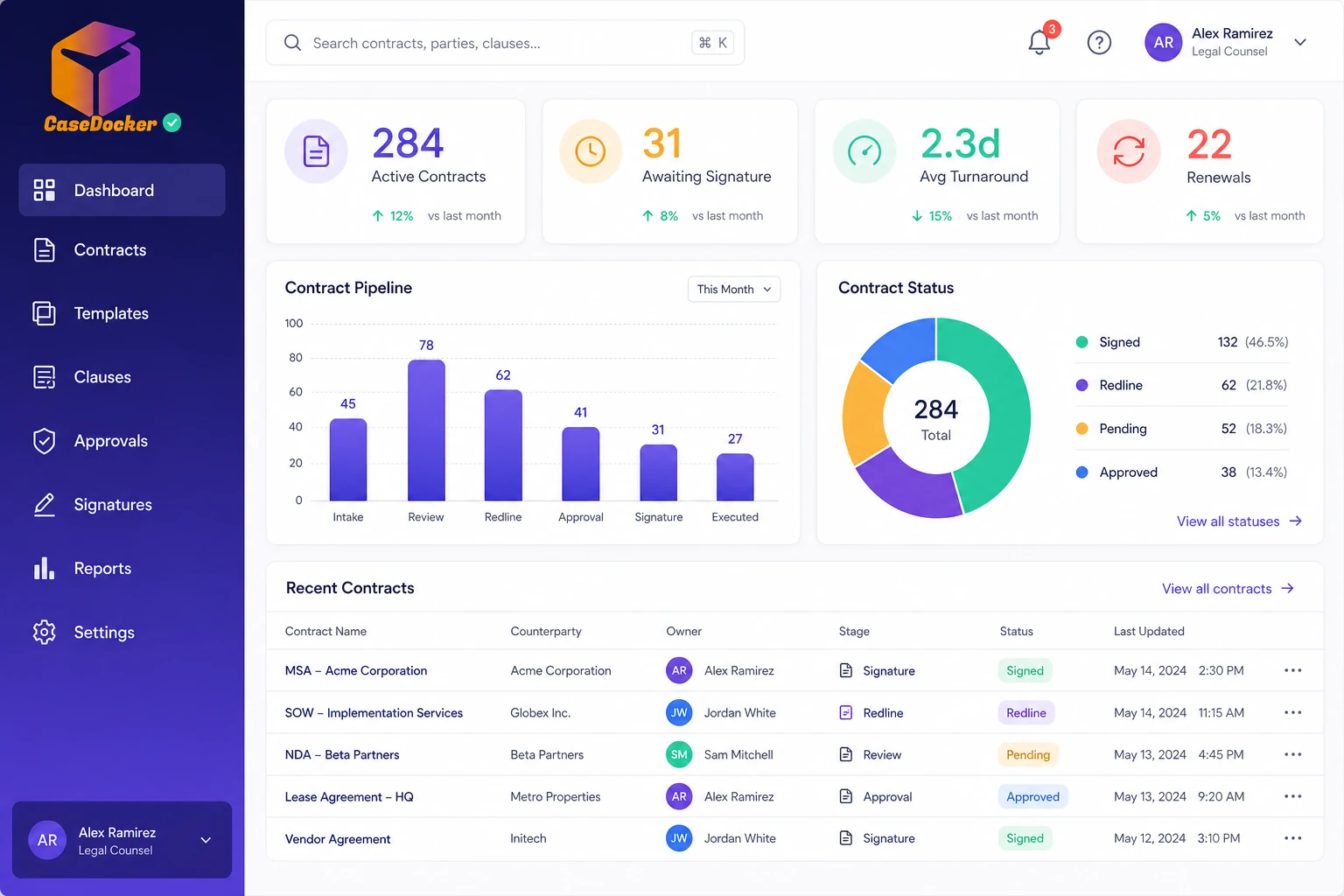
CaseDocker can support drafting as part of contract, case, notice, and playbook workflows, so drafts stay connected to approvals, tasks, documents, and legal records.
Platform capabilitiesStep 1 of 4
Capability
Template-led drafting
Use structured templates and approved language to keep recurring documents consistent across teams.
Contact
Connect with our Team
Reach out and learn more about our offerings and how CaseDocker can help you
Built for legal operations teams
Share your use case and we will connect you with the right team for product guidance, pricing, and rollout planning.
Clear next steps
Expect a response from our team with the most relevant next step for your inquiry.
Get in Touch
Get in Touch
We usually reply quickly
CaseDocker helps in drafting workflows by
Teams and workflows that commonly evaluate this type of software.
Legal notice responses
Internal legal memos and summaries
Clause review and approved language reuse
Playbook-based document preparation
Why teams move beyond manual tracking
| Manual approach | What the right system should provide |
|---|---|
| Starting every draft from an old file | Templates, clauses, and workflow context |
| Manual review chains | Reviewer assignments, comments, approvals, and history |
| Untracked document versions | Version control and matter or contract linkage |
| AI output copied into separate files | AI assistance inside governed legal workflows |
FAQ
Frequently asked questions
AI can assist with drafting and review tasks, but legal teams should review, approve, and adapt outputs for the specific matter and jurisdiction.
Show us your drafting process
Tell us which documents your team drafts repeatedly and where review slows down. We can show how CaseDocker supports that flow.